

Ecommerce product concept
Describe a product, surface, and lighting setup to explore a visual angle before investing in a studio shoot. The output is a concept image for internal review, not a final product photo.
FREE AI IMAGE GENERATOR
Create AI images online from a text prompt. Explore ecommerce product scenes, social ad concepts, brand visuals, and more. No login is required for guest use, and your first five images each day are free.
CREATE FROM TEXT
AI image generation lets you describe a scene and explore it visually. Add the subject, setting, light, color, composition, and material you have in mind. You do not need drawing skills or camera equipment to begin testing an idea.
SeiSei AI is a free AI image generator for people who want to try a first image without creating an account. Refine one element at a time after each result to move toward the image you need.
Guest use is capped at five images per day. Check the selected model and credit conditions before continuing with higher-volume creation after you log in.
EXAMPLES
The words in a prompt change the result. Use these as a starting point for product campaigns, social content, and editorial visuals, then adapt the subject, light, and framing for your own brief.
Describe a product, surface, and lighting setup to explore a visual angle before investing in a studio shoot. The output is a concept image for internal review, not a final product photo.
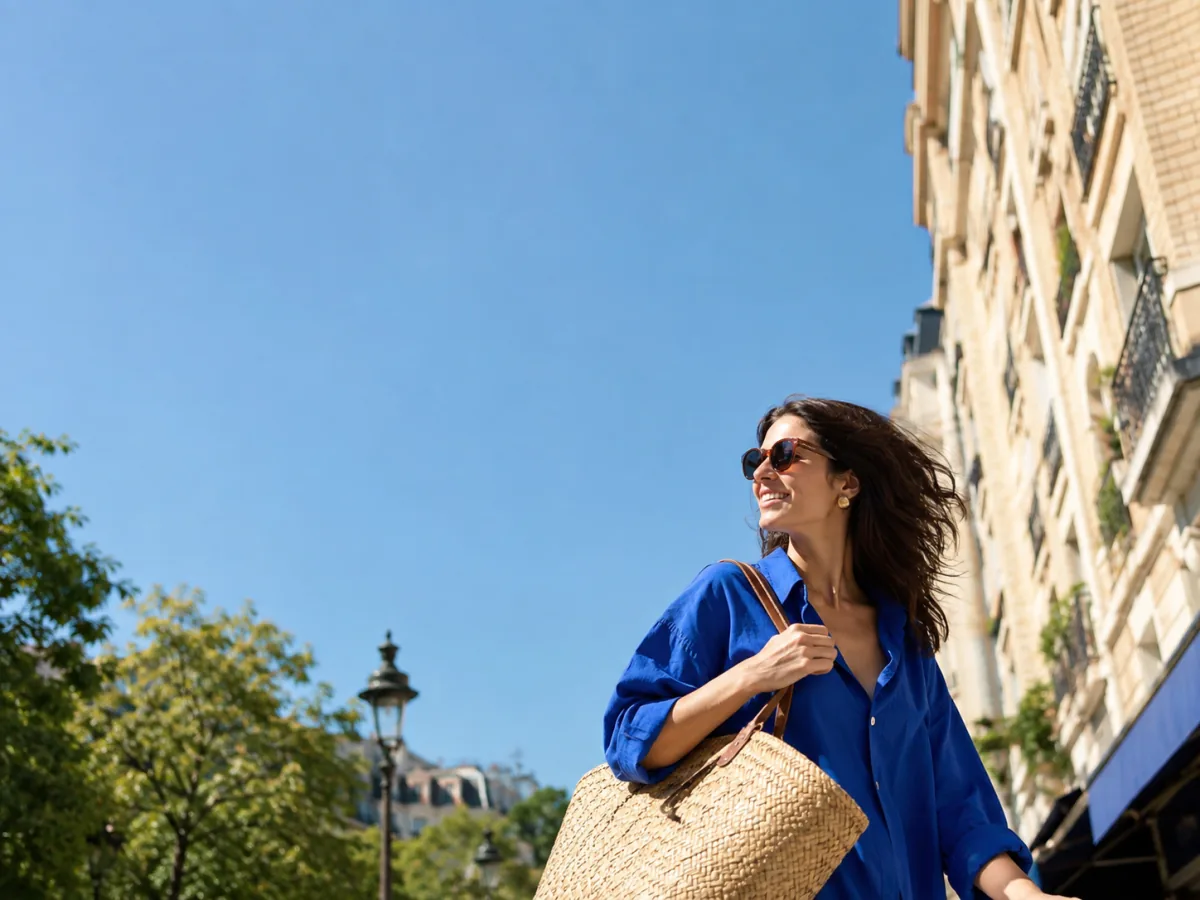
Set the subject, light direction, and empty space for a headline to test how a vertical or landscape ad concept could look before producing the final asset.
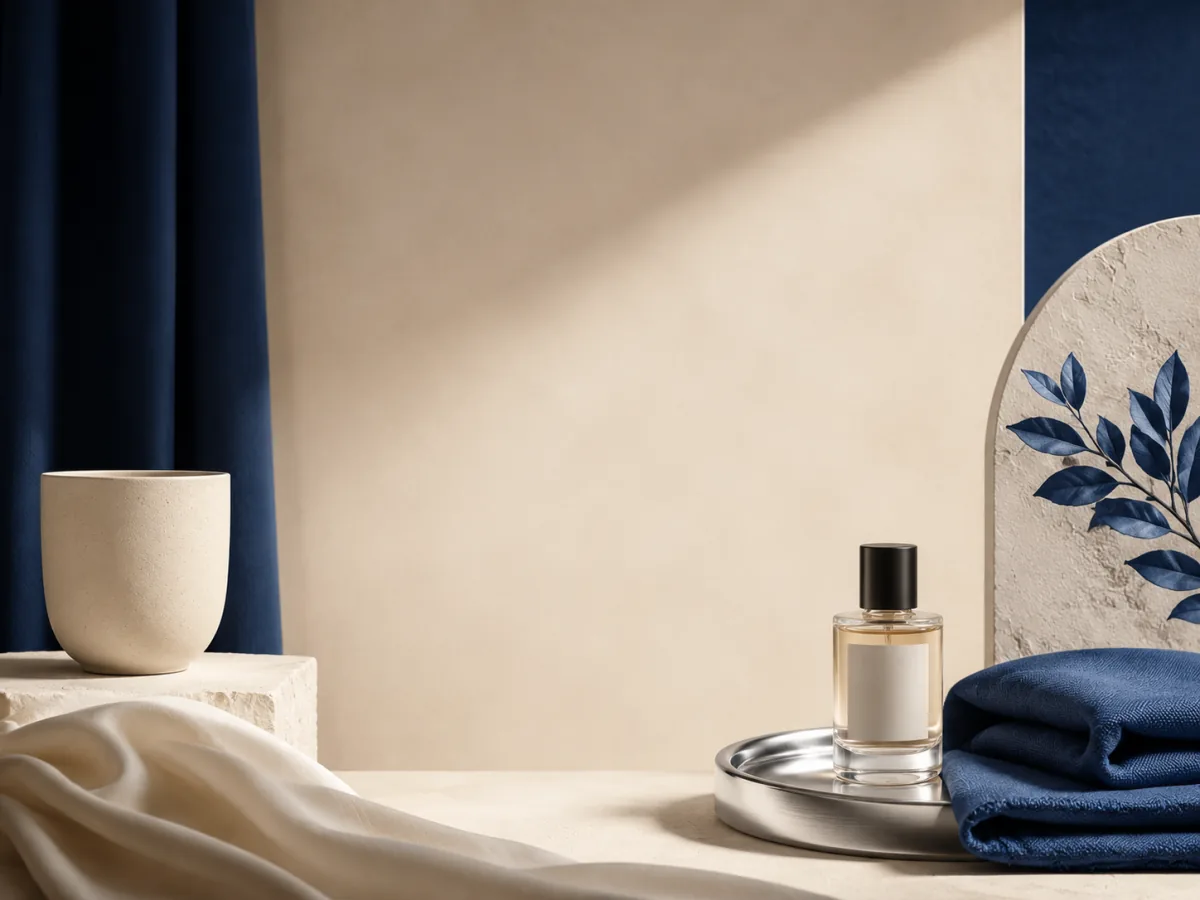
Build a first visual for an announcement, product drop, or seasonal post using a defined palette and composition that leaves room for brand copy.
USE CASES
Use a first image to discuss a campaign, social post, product scene, or editorial idea before investing in the final asset.

Describe a product, surface material, lighting angle, and background mood to compare visual directions before booking a photographer. The result is an AI-generated concept for internal discussion, not an accurate product photograph or a publish-ready listing image.
Write the scene, color temperature, and subject position to test how an ad concept could feel at different placements and crops. Include safe zones for headline or CTA text when you already know the final format. Review and adapt the output before producing the real creative.
Build a first visual for a product launch, seasonal announcement, or community post. Define the palette, composition, and amount of negative space that matches the brand direction you are developing, then iterate after each result.
Name the subject, framing, and the clear space needed for a title or channel name to draft a header, blog cover, or video thumbnail concept. Adjust the crop, lighting mood, and background density after reviewing the first image.
PROMPT EXAMPLES
Each example covers a different commercial use case: product campaigns, paid-social creatives, ecommerce lifestyle, thumbnails, and brand announcements. Start with a prompt as written, then swap the nouns and setting for your own brief.
These are concept-generation starting points. Check rights connected to people, brands, logos, or source material before using any result in a live ad or published post.
Three unbranded frosted glass skincare bottles with blank labels on pale travertine, folded linen cloth, small olive sprig, soft late-afternoon window light, products on the right and clean space on the left for later campaign copy.
An original adult woman in a cobalt blue overshirt carrying an unbranded woven summer tote on a sunny city sidewalk, candid movement, subject in the lower right, large clear blue-sky area in the upper left for a headline.
An unbranded ceramic cup, blank-label perfume bottle, and folded cobalt-blue textile on a warm cream plinth, centered empty cream area for brand copy, deep blue, cream, and brushed silver palette.
An original adult woman in a charcoal overshirt at a bright home studio desk, looking toward a camera with focused energy, subject on the right, clean light-coloured wall and negative space on the left for a title.
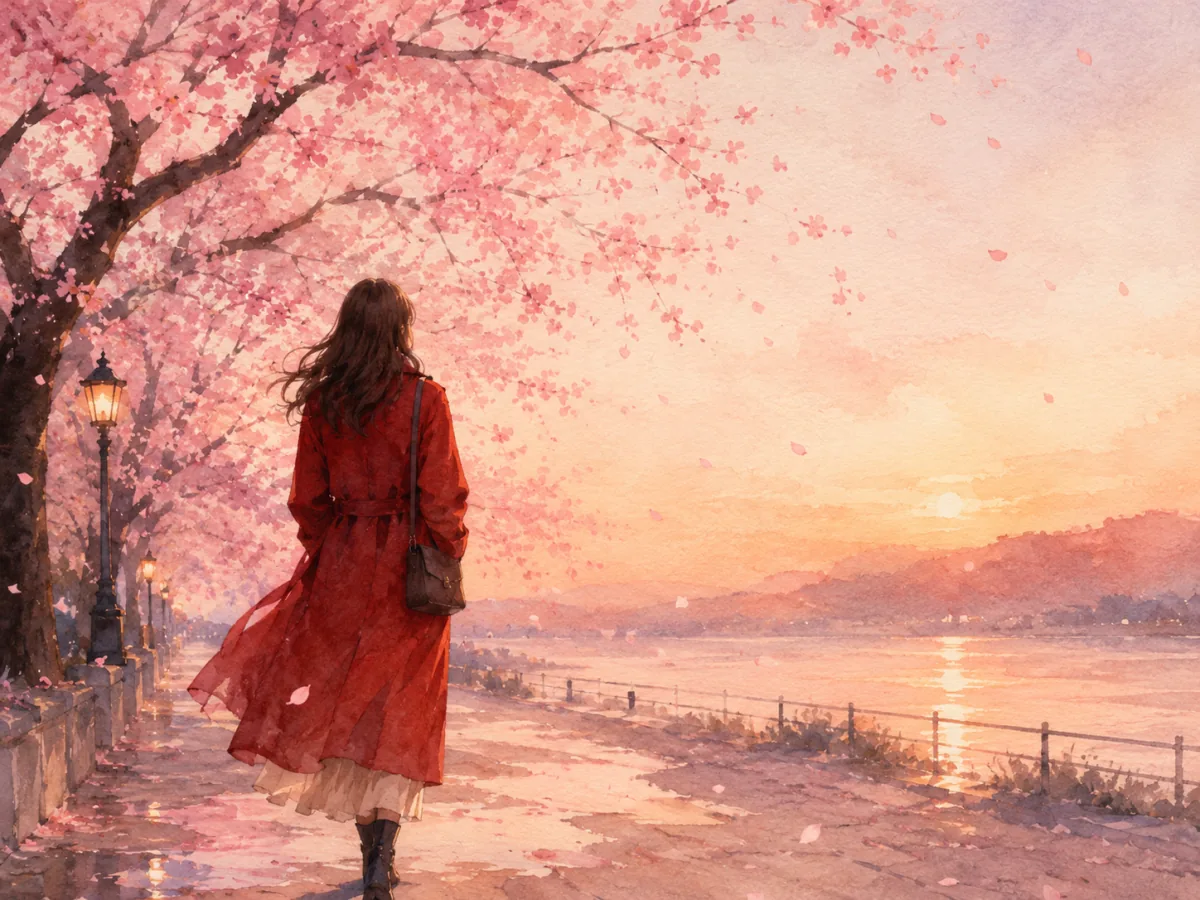
An original adult woman in a red coat walking beneath blooming cherry trees at dusk, pale petals in the air, gentle backlight, figure slightly left of center, broad soft negative space on the right for a tagline, modern watercolour.
HOW IT WORKS
You do not need a perfect prompt before you begin. Review the image and adjust the wording in small steps.
Describe the subject, setting, and feeling you want to see.
Guest use starts with SeiSei AI. More model choices appear after login.
Save the image or change the prompt and generate a new direction.
REFINE THE NEXT IMAGE
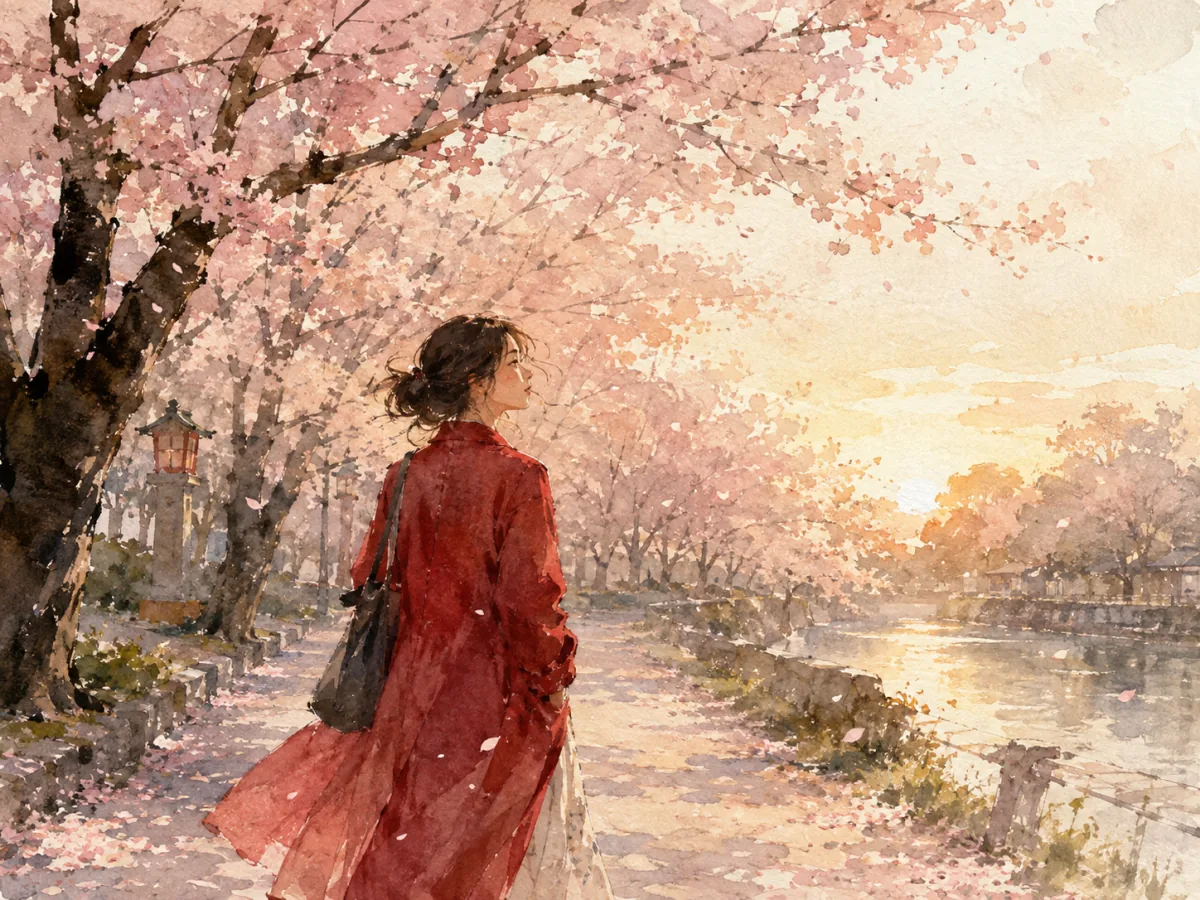
A result that misses the mark does not mean you need a completely new prompt. Separate what is close from what is wrong, then name one change at a time. AI image generation is most useful when you can compare directions before deciding on the final image.
If the subject is too small or the background takes over, describe size and placement: “large in the center” or “person on the left, open space on the right.”
To change a dark mood, adjust the light source as well as the palette. Pair a time of day with light direction, such as soft overcast daylight or warm evening backlight.
A blog header, social post, and presentation slide each need a different crop and amount of empty space. Decide where the image goes, then add space for text when needed.
Compare SeiSei AI image credits, monthly plans, and one-time packs. Pay only for generated images, or subscribe for the best rate.
Get 5 credits once when you sign up. Review the required credits before generating.
ILLUSTRATIVE REVIEWS
These examples show possible uses for no-sign-up guest generation. The basic guest model allows up to five images per day.
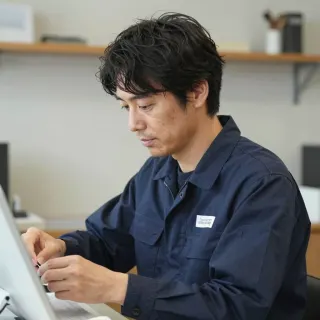
“I generate a few lighting and angle options before briefing a photographer. It saves a round of reshoots when the team already agrees on the direction.”
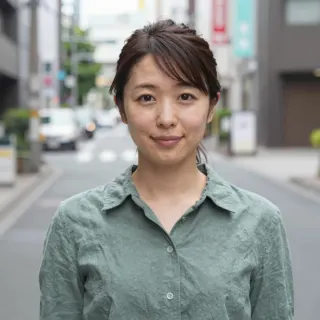
“A quick concept image helps me test whether a vertical or landscape crop will carry the headline before I send the brief to the design team.”
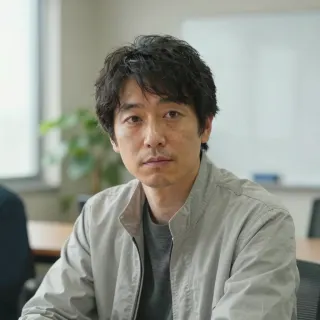
“I use a first draft visual to align the team on palette and composition for a product launch post before producing the final asset.”
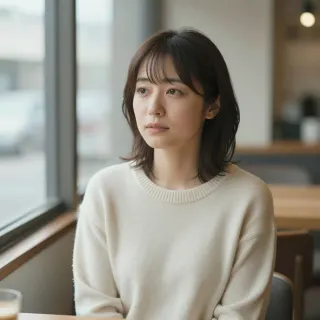
“I test a header mood against the article tone before I commission or produce the final image. It makes the creative brief more specific.”
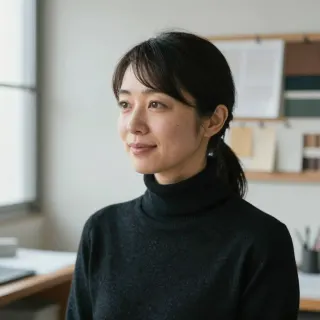
“A first-pass concept helps me share the visual direction with a client before the meeting. No sign-up means I can try an idea the moment it comes up.”
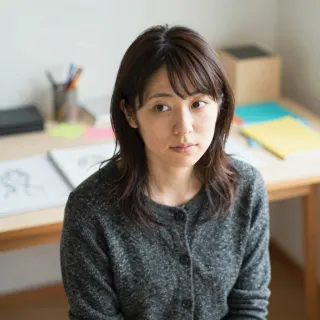
“I explore thumbnail angles by generating a few scene and lighting combinations, then pick the one that reads best at small sizes.”
FAQ
Yes. SeiSei AI lets guests create up to five images per day without an account. The free guest offer applies to the basic text-to-image experience; it does not mean every model or unlimited use is free.
Yes. Enter a prompt and start creating without a login. Guest use is limited to five images per day and includes abuse-prevention checks.
You can manage your generation history, receive a one-time welcome credit, and choose from the models available in the signed-in experience.
Guests can create up to five free images per day. If you continue after logging in, check the credit amount shown for the model you choose before generating.
It depends on the model. The product shows the required credits when you select a model and before you generate. Check the live product UI for current models and prices.
Yes. Describe the subject, place, light, composition, style, and intended use in English. You can begin with a short prompt, then add one detail at a time after reviewing the result.
SeiSei AI does not add a SeiSei AI logo or platform watermark to generated images. You must still check the rights connected to the image content before using it.
You can evaluate images for blogs, social posts, advertising, ecommerce, and presentations within the Terms. You are responsible for checking rights related to people, trademarks, characters, buildings, and third-party materials before publishing or selling.
Yes. Upload up to five JPEG, PNG, or WEBP images to guide composition or visual direction. The output is not guaranteed to reproduce the source image.
A result can occasionally fail because of a connection or generation issue. If a signed-in credit generation is confirmed as failed, follow the product guidance and Terms. Contact support if the same problem keeps happening.
As a guest, review and save the result while it is displayed. Signed-in users can manage their generation history where that feature is available. Save important images and check their contents before editing or publishing.
FREE AI IMAGE GENERATOR
Start with a prompt, review the result, and refine the light, composition, color, or empty space for the next image.